
How to make your photos look like the 2000s
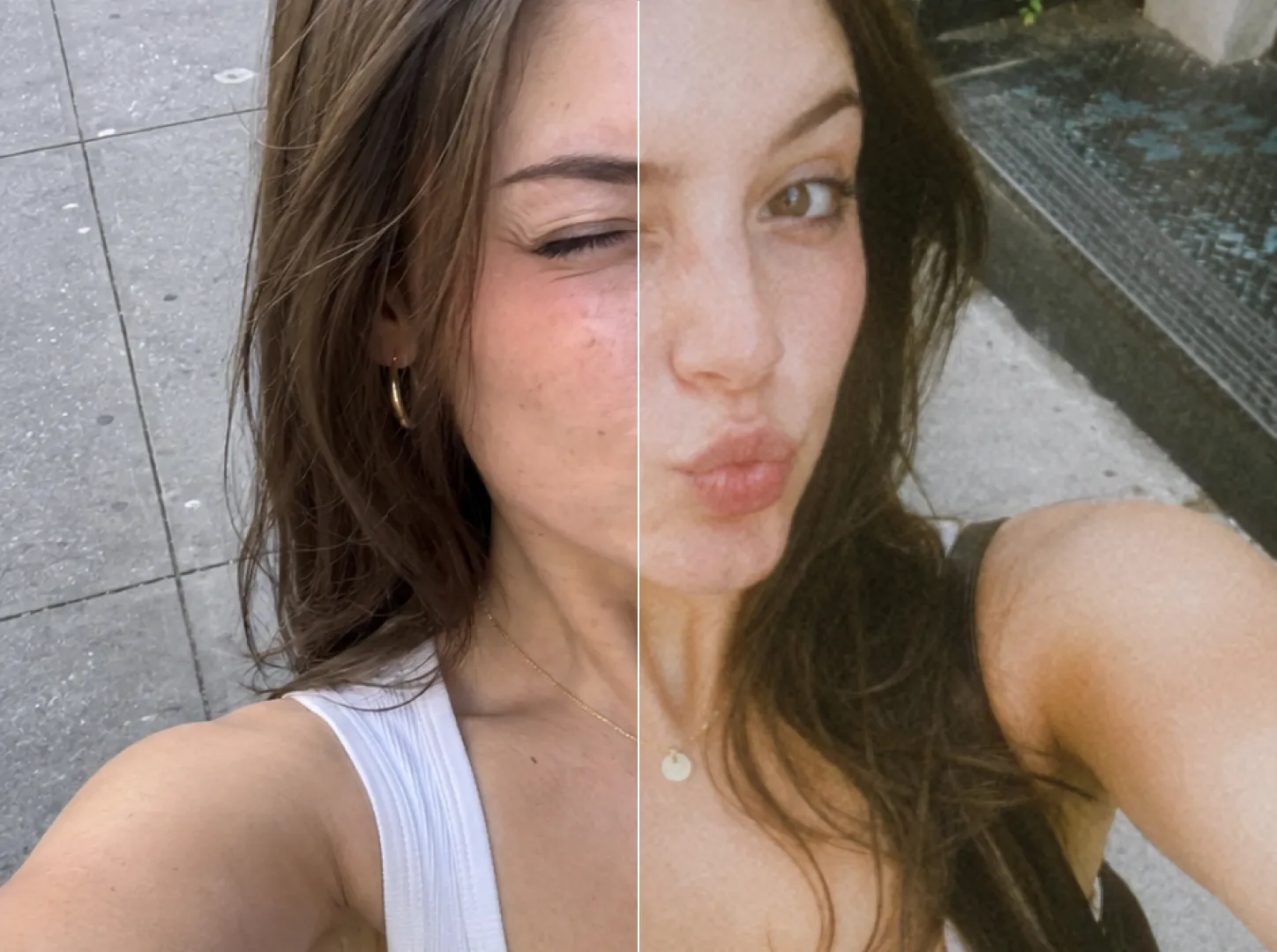
The Y2K digicam look is not one filter. It is five separate things happening at once, and once you know what they are you can reproduce it reliably instead of hoping a preset lands.

A photo reads as 2000s because of low resolution, hard direct flash, a green-cyan colour shift, visible noise, and a 4:3 frame — not because of a colour filter.
The reliable way to get it is to shoot through a camera simulation rather than edit a sharp modern photo afterwards. In Rumi Cam, pick the CCD camera, set the ratio to 3:4, force the flash on, and get closer to your subject than feels comfortable.
The five things that actually make a photo look 2000s
1. Low resolution and soft detail
A 2004 compact camera produced somewhere between three and five megapixels, through a small plastic lens, with heavy in-camera sharpening on top. Detail fell apart in a specific way: mushy in the shadows, crunchy at the edges. A modern phone photo is the opposite — clean, enormous, and sharp corner to corner. That cleanliness is the first thing that gives it away.
2. Hard, direct flash
This is the big one. Compact cameras had a tiny flash mounted right next to the lens, with no diffusion and no ability to balance against ambient light. You get a very bright subject, a hard shadow directly behind them, and a background that falls off to near black within a metre or two. Modern phones work hard to avoid exactly this. You have to ask for it deliberately.
3. The CCD colour shift
Cameras of the era used CCD sensors, which respond to colour differently from the CMOS sensors in every phone today. Skin tones run slightly cool, greens push towards cyan, and highlights clip to a flat white rather than rolling off gently. It is subtle on its own but unmistakable in combination with the flash.
4. Visible noise
Small sensors in low light meant grain in every shadow, and no computational noise reduction to clean it up. Modern phones stack multiple exposures to eliminate exactly this. Adding noise afterwards rarely convinces, because real sensor noise sits in specific tonal ranges rather than being sprinkled evenly across the frame.
5. A 4:3 frame
Nobody was shooting vertical widescreen in 2004. The near-square 4:3 proportion is such a strong period signal that changing only the aspect ratio makes a photo feel older before you touch anything else.
Why filtering afterwards does not really work
Four of those five things are baked in at the moment of capture. A filter applied later can shift colour and it can fake grain, but it cannot un-sharpen detail convincingly, it cannot invent the flash falloff, and it cannot undo the fact that your phone carefully balanced the exposure across the whole frame.
This is why apps that simulate the camera rather than the filter produce better results. In Rumi Cam each camera changes colour response, resolution, grain, bloom and vignette together, and renders the result live in the viewfinder — so you are composing the final photo, not guessing at what a preset will do to it later.
Pick the right camera for the right year
"The 2000s" covers a lot of ground, and the look changed a great deal between 1999 and 2011. Matching the camera to the year you have in mind matters more than people expect.
| Camera | Era it evokes | What it looks like |
|---|---|---|
| QT200 | Late 1990s | Very low resolution, heavy artefacts, unmistakably early digital |
| NK | Early 2000s | Old phone camera: small, soft, noisy, low colour fidelity |
| CCD | Mid 2000s | The classic digicam: green-cyan shift, hard flash, shadow noise |
| 4S | Around 2011 | Early iPhone: cleaner but still soft, with period colour |
| G7X | Modern compact | The cleanest of the group — for a subtle hint rather than full nostalgia |
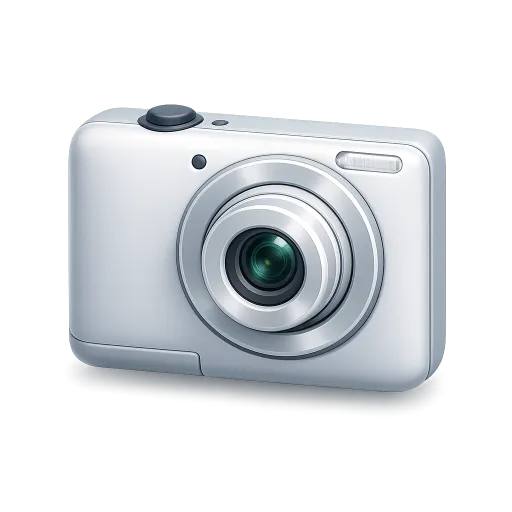 CCD
Mid-2000s digital compact
CCD
Mid-2000s digital compact
 NK
Early-2000s phone camera
NK
Early-2000s phone camera
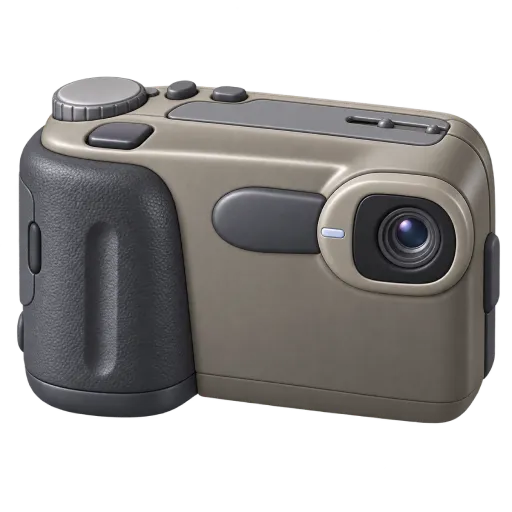 QT200
Late-90s early digital
QT200
Late-90s early digital
Shooting it, step by step
- Pick your camera from the table above. If you are not sure, start with CCD.
- Set the aspect ratio to 3:4. It is the fastest single improvement you can make.
- Force the flash on rather than leaving it on auto — even indoors during the day. Auto flash will keep deciding it does not need to fire, which is exactly wrong here.
- Get closer. These cameras were held at arm's length, pointed at whatever was happening, about a metre away. Framing tighter than feels natural is period-correct.
- Shoot at eye level, straight on. No careful angles, no rule of thirds. Snapshots were not composed.
- Add a Lens Leak if you want the light streaks, and hit shuffle between shots so every photo does not carry the same overlay.
Three shots that always work
The night flash group shot. Dark room, everyone squeezed into frame, flash firing. The bright faces against the black background is the definitive image of the era.
The mirror selfie. Flash pointed straight at a mirror, with the flare blooming out from the middle of the frame. It looks like a mistake and that is precisely why it works.
The messy tabletop. Dinner, drinks, hands reaching across a table, shot from above with the flash on. The harsh light on a cluttered surface is very hard to fake later.


One thing to skip
Resist the urge to add a fake orange date stamp in the corner. It has become shorthand for "retro filter" rather than a real period signal, and it tends to undercut an otherwise convincing photo. Rumi Cam deliberately does not add one — if the camera simulation is doing its job, the photo does not need a label telling people what it is.
Shoot the look instead of faking it
Fourteen cameras spanning late-90s digital to modern compacts, rendered live in the viewfinder. Free on iPhone and Android.


Frequently asked questions
What makes a photo look like it is from the 2000s?
Low resolution and soft detail, hard direct flash, a colour shift towards green and cyan from CCD sensors, visible noise in the shadows, and a 4:3 frame. Those five together read as 2000s regardless of what actually took the photo.
Can I just add a filter to an existing photo?
Partly. A filter handles colour, but resolution, flash falloff and noise are decided at capture. Shooting through a camera simulation is much more convincing. If you do want to convert existing photos, Rumi Cam's Pro photo editing re-processes them through any camera.
Which camera should I start with?
CCD, for the classic mid-2000s digicam look. If you want something free to try first, NK gives you an early phone camera and Disposable gives you flash and grain.
Does Rumi Cam add a date stamp?
No. There is no date stamp and no watermark. The look comes from the camera simulation itself.
Does this work on Android?
Yes. Rumi Cam is on both Google Play and the App Store, and the cameras behave identically on each.
Can I shoot video like this too?
Yes. Switch to video mode and the camera simulation applies the same way. The HC camera is built for this specifically — it is the camcorder look rather than a photo camera.