
Cool colour filters for your iPhone camera
Most camera filters make iPhone photos worse. These ones are built the other way round — they grade the colour and leave everything else alone.

Rumi Cam's Original camera is the stock iPhone camera with a colour profile on top — and nothing else. No grain, no vignette, no resolution reduction. It ships five film rolls: Resort (free), Calm, 90s, Deep and Earth.
Each one is applied live in the viewfinder, so you are composing the finished photo rather than guessing what a preset will do to it afterwards.
Why most filters make iPhone photos worse
The iPhone camera is very good. It resolves fine detail, it holds highlights and shadows together in one frame, and it renders skin tones carefully. Most retro filter apps then proceed to throw all of that away: they crush the resolution, sprinkle synthetic grain over everything, darken the corners, and flatten the dynamic range that the phone worked hard to capture.
For a deliberately lo-fi look that is exactly right — it is the whole point of simulating an old camera. But when you just want your photo to look better, it is the wrong tool. You end up choosing between a clean photo with boring colour and an interesting photo that looks like it was taken through a screen door.
The Original camera exists for that gap. Internally it applies a colour lookup table at full strength with every other effect parameter set to zero — grain intensity zero, resolution reduction zero, mist zero, vignette zero, bloom zero. Colour changes. Nothing else does.
What a film roll actually is
A film roll is a colour profile: a three-dimensional map that says what every input colour should become. Photographers call these LUTs, and they are the same mechanism used to grade film and television.
The part that matters in practice is when it gets applied. In Rumi Cam the roll is rendered into the live viewfinder, so you see the real, final colour while you are still deciding where to stand. Skies that go flat under one roll and sing under another are obvious before you press the shutter instead of twenty photos later.

The five rolls, and what each one does
Resort — bright, sunny, free
The default, and the only free one. Resort lifts the midtones noticeably, which is what makes photos feel airy and open rather than heavy. Skin gets warmer and brighter; deep skin tones in particular pick up a strong golden shift. At the same time it pushes skies and water in the opposite direction, cooler and a little more saturated, so you get that separation between warm subject and cool background that reads instantly as holiday.
Use it for: beaches, pools, sunlit streets, anything outdoors in good light. It is the most generally flattering of the five and a sensible default.
Calm — quiet and muted
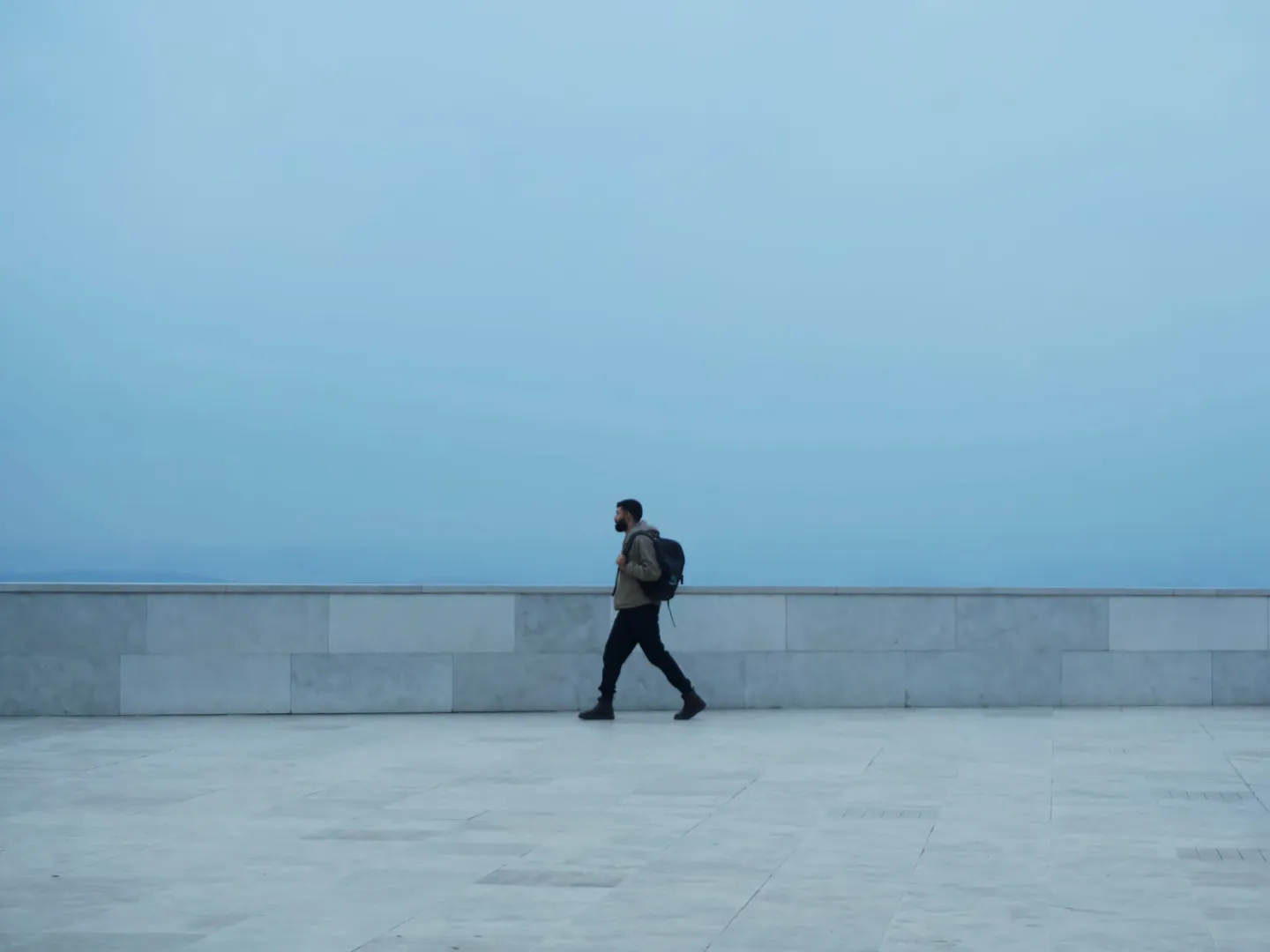
Calm is the restrained one. It drops shadows slightly, lifts midtones gently, and pulls saturation down where it usually causes trouble — skin and sky both become softer and less insistent. Skies in particular lose their hard blue and settle into something closer to neutral. Nothing in the frame shouts.
Use it for: portraits, interiors, overcast days, and any scene where the colour is already busy and you want it to calm down rather than intensify.

90s — warm and faded
The most characterful of the five, and the one that changes a photo most. 90s warms the entire image substantially and lifts both midtones and highlights, which produces the faded, slightly-bleached quality of a print that has been in a photo album for thirty years. Its most distinctive move is on skies: it desaturates them heavily and warms them towards cream, so a hard blue sky turns pale and hazy.
Use it for: nostalgia, summer afternoons, anything you want to feel like a memory rather than a photograph. Be aware it is a strong look — it will dominate a scene that already has a lot going on.

Deep — rich and cinematic
Deep is the contrast roll. It crushes the shadows hard and lifts the highlights, giving it by far the widest tonal range of the five, and it is the most saturated overall. The colour moves cool — shadows pick up a teal cast — while warm light sources stay warm, which is the separation that makes film and television grading look the way it does. Blues get deeper and more intense; greens go darker and richer.
Use it for: night scenes, city light, moody weather, strong architecture. Anywhere you want weight rather than airiness.
Earth — natural and matte
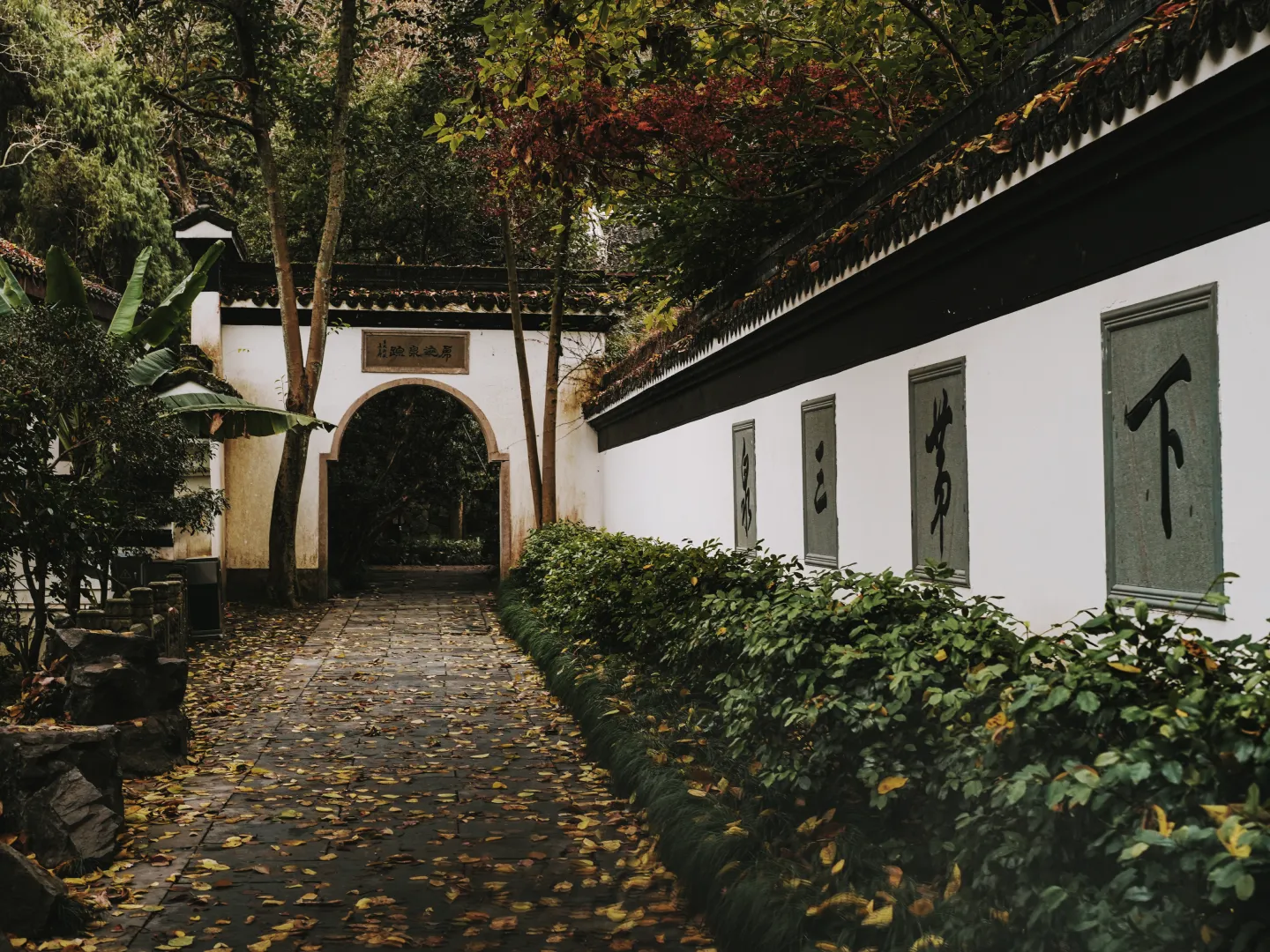
Earth darkens across the board — shadows, midtones and highlights all come down — while keeping overall saturation roughly where it started. The effect is to take the shine off a scene. Skin becomes more muted, skies lose some blue and move towards grey, foliage goes darker and less electric, and bright warm light is pulled back rather than allowed to glow.
Use it for: landscapes, autumn, stone and wood and wool, documentary-style shooting. It is the least showy roll and the one that ages best.
Choosing at a glance
| Roll | Character | Best for | Included |
|---|---|---|---|
| Resort | Bright, warm skin, cool skies | Sun, beaches, outdoors | Free |
| Calm | Muted, soft, low contrast | Portraits, interiors, overcast | Pro |
| 90s | Warm, faded, washed skies | Nostalgia, summer | Pro |
| Deep | High contrast, cool, saturated | Night, city, moody scenes | Pro |
| Earth | Darker, muted, matte | Landscapes, autumn, documentary | Pro |
How to switch rolls
- Open Rumi Cam on the Original camera — it is the first one in the carousel.
- Open the film roll picker and choose your roll. The viewfinder updates immediately.
- Shoot. Rumi Cam remembers the roll you picked per camera, so it will still be there next time.
Two things that pair well with a roll
Exposure. Rolls behave differently depending on what you feed them. Deep rewards being exposed slightly brighter than usual because it is going to crush the shadows anyway. 90s works better slightly darker, since it lifts everything.
White balance. Nudging white balance before the roll is applied changes the result more than you would expect, particularly with Calm and Earth, both of which are deliberately restrained and leave you room to push.
And when you do want the lo-fi look
The other thirteen cameras in Rumi Cam are the opposite of this post — they deliberately add grain, drop resolution and shift colour to imitate specific old hardware. If that is what you are after, start with the 2000s digicam guide. The Original camera is for when you want the iPhone photo, only better graded.
Try the Original camera
Resort is free, and it is the default. Open the app and it is already running.


Frequently asked questions
What is a film roll?
A colour profile applied live in the viewfinder before the shot is taken. On the Original camera it changes colour only — no grain, no vignette, no resolution loss.
Which rolls does the Original camera have?
Five: Resort, Calm, 90s, Deep and Earth. Resort is free and is the default; the other four are part of Pro.
Do these filters reduce photo quality?
No. The Original camera applies a colour lookup table and nothing else. Resolution and detail are untouched.
Can I change the roll after taking the photo?
Yes, with Pro. Photo editing re-processes an existing photo through any camera or roll, and lets you adjust exposure and white balance at the same time.
Which roll is best for portraits?
Calm, for softer and less saturated skin, or Resort if you want brighter and warmer.
Do other cameras have film rolls too?
Yes — Fuji, KDK and CNN each carry several selectable rolls. The remaining cameras have one fixed look built in.