Dazz Cam alternatives in 2026
Most people looking for an alternative want one of four specific things. Work out which one you are after and the choice gets much easier.
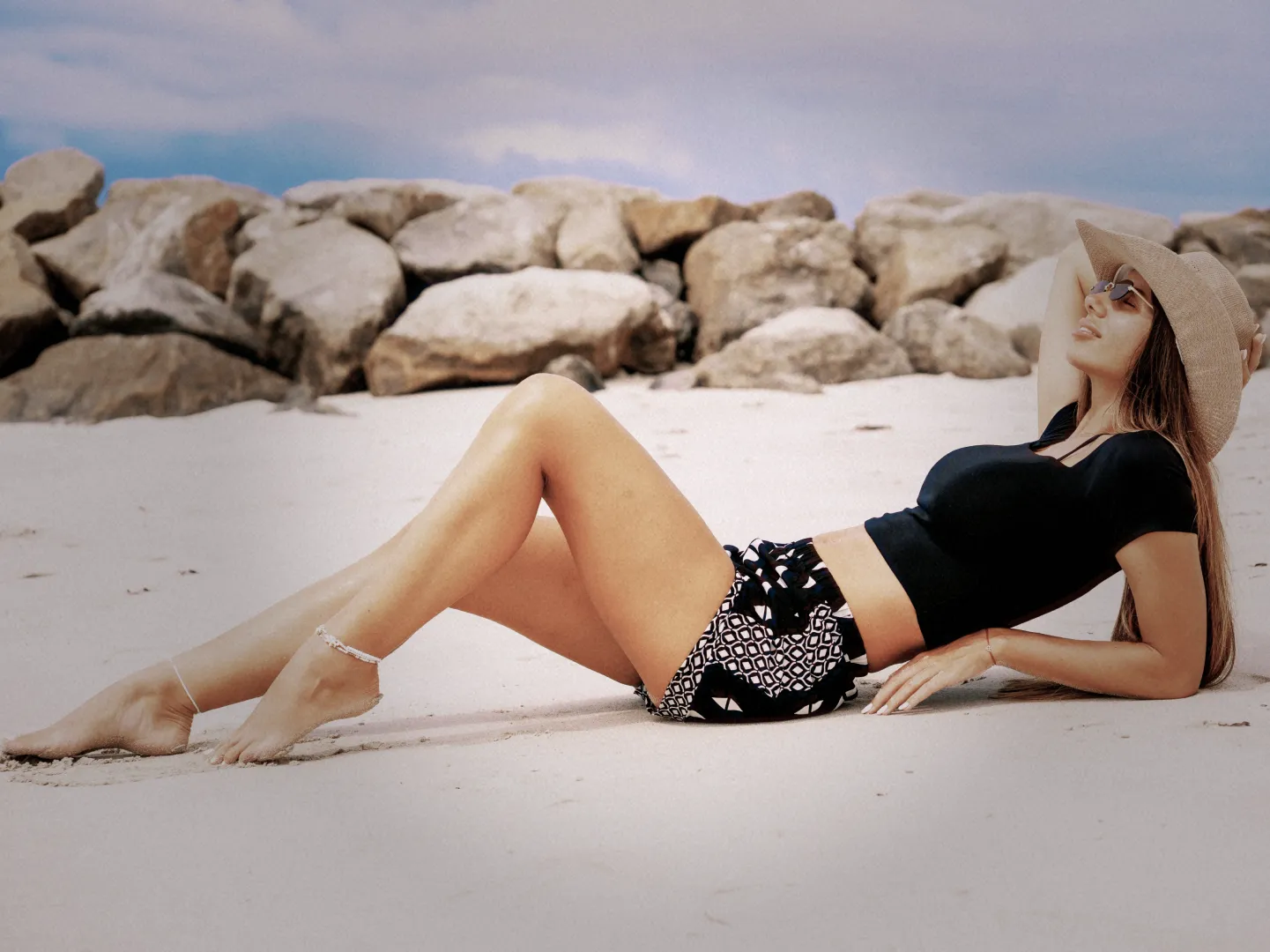
Rumi Cam is the closest like-for-like alternative. It simulates 14 cameras — CCD digicam, film, disposable, camcorder — renders each one live in the viewfinder instead of applying it afterwards, and runs on both iPhone and Android. Six cameras are free.
Worth knowing too: OldRoll if you want the largest possible library, NOMO CAM if you want to stop fiddling, Huji Cam for one look instantly, and VSCO if you would rather edit after the fact.
Why people go looking in the first place
Dazz Cam is a capable app, and most people who search for an alternative are not unhappy with the photos. They are running into one of four practical problems.
- They are on Android. Dazz Cam is iOS-only and is not published on Google Play, so there is simply nothing to install. This is by far the most common reason.
- They do not want another subscription. A one-off purchase or a usable free tier matters more to a lot of people than any individual filter.
- They want more cameras, not more filters. Once you have used the digicam look for a while you start wanting a specific era rather than a general vibe.
- They want to see it before they shoot. Choosing a look after the fact and choosing it in the viewfinder are very different experiences.
If you are in the first group, the Android-specific guide covers your situation in more detail, including why the Play Store search results are so confusing.
Rumi Cam — the closest like-for-like
Rumi Cam takes the same basic approach: simulate a whole camera rather than stack a filter. Colour response, resolution, grain, bloom, mist and vignette are tuned together per camera, and the result is rendered into the live viewfinder. What you frame is what gets saved.
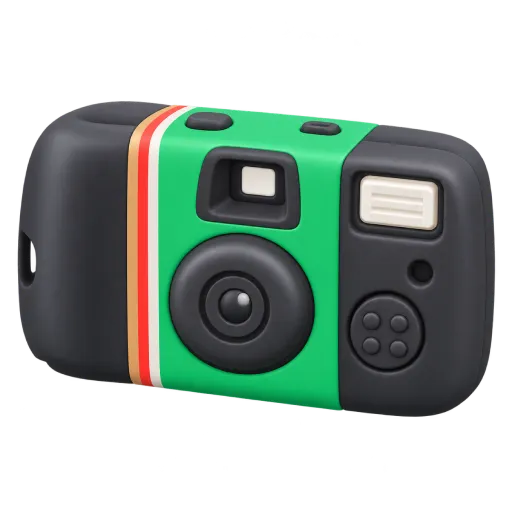 Disposable
Single-use film camera
Disposable
Single-use film camera
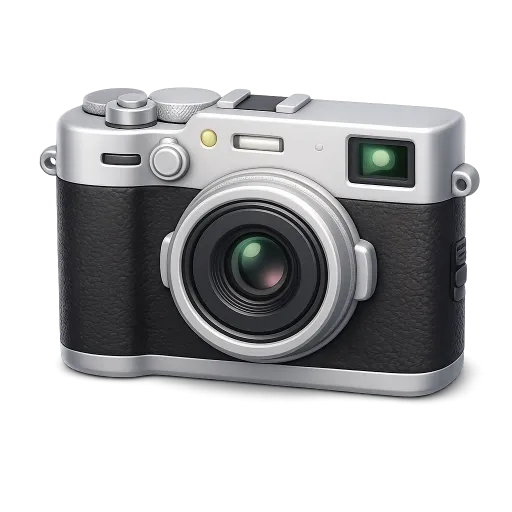 Fuji
Film colour, four rolls
Fuji
Film colour, four rolls
 CCD
Mid-2000s digital compact
CCD
Mid-2000s digital compact
What you get:
- 14 cameras spanning late-90s digital, 2000s compacts, old phone cameras, film, two disposables and a camcorder.
- Swappable film rolls on the Original, Fuji, KDK and CNN cameras, so one camera is several looks rather than one.
- Lens accessories — Lens Leak with ten variants and a shuffle, plus Fisheye and Prism.
- Real controls — exposure, white balance, aspect ratio, timer, flash and lens switching.
- Photo and video, with a dedicated camcorder camera for footage that looks recorded.
- On-device processing, no account, and no watermark or date stamp burned into your photos.
Six cameras are free: Original, NK, XA, Disposable, G7X and Fuji. Pro unlocks the other eight plus every film roll, the accessories and photo editing, and is available monthly, yearly or as a one-off lifetime purchase.
Matching the looks you already like
The useful question is not "which app is best" but "which camera gives me the look I was already using". If you have a favourite Dazz look, this is roughly where it lives in Rumi Cam.
| If you liked | Try | What it does |
|---|---|---|
| The CCD digicam look | CCD | Green-cyan shift, shadow noise, hard flash response |
| Very early digital | QT200 | Low resolution and heavy artefacts, late-90s |
| Old phone camera | NK or 4S | Soft, noisy, low colour fidelity — early 2000s and 2011 |
| Warm faded film | Fuji, KDK or CNN | Film colour families, each with several selectable rolls |
| Disposable flash photos | Disposable or FQS | Soft and hazy, or punchy and high contrast |
| Light leaks | Lens Leak accessory | Ten variants with a shuffle button |
| Retro video | HC | Camcorder look for video rather than stills |
The two guides on the 2000s digicam look and disposable camera photos go through the shooting technique for each, which matters more than the camera choice.
Other alternatives worth knowing
No single app suits everyone, and these are all genuinely good at something. The full round-up covers each in more depth, including the manual-control and video apps that are out of scope here.
OldRoll
The widest selection of anything in this category — digital, film and instant styles, plus fisheye and Super 8 video. Best if you enjoy browsing a big library. The flip side is a busier interface and a lot of choices to wade through.
NOMO CAM
Each camera is treated as a physical object with fixed behaviour that you shoot rather than configure. Some make you wait before revealing the photo. Deliberately limited, which is either the appeal or the dealbreaker.
Huji Cam
One look, built around a late-1990s disposable, with almost no settings. The fastest route to a recognisable result — though the look is now very widely used, and the app has changed little in years.
1998 Cam
A 90s camera, film editor and retro video camera in one. Strong contrast and saturation that reads well on short-form video, sometimes heavier than you want for photos you intend to keep.
VSCO
The reference point for editing after capture: a large preset library with real manual tools underneath. Because it works on photos you have already taken, it cannot reproduce the resolution and flash behaviour that make retro photos convincing.
Side by side
| App | Platform | Approach | Free tier |
|---|---|---|---|
| Dazz Cam | iOS only | Camera and film effects | Yes, with paid unlocks |
| Rumi Cam | iOS, Android | 14 cameras, live in viewfinder | 6 of 14 cameras free |
| OldRoll | iOS, Android | Very large camera library | Yes, with paid unlocks |
| NOMO CAM | iOS, Android | Fixed cameras, minimal settings | Yes, paid cameras |
| Huji Cam | iOS, Android | One fixed disposable look | Yes, with ads |
| 1998 Cam | iOS, Android | 90s looks plus editing | Yes, with paid unlocks |
| VSCO | iOS, Android | Editing after capture | Yes, limited |
Pricing and tiers change often, so treat the last column as a rough shape. Platform availability and each app's approach are the parts that stay stable.
How to choose in one minute
- On Android? Rumi Cam, OldRoll, NOMO CAM, Huji Cam, 1998 Cam and VSCO are your options. Dazz Cam is not.
- Want the closest equivalent? Rumi Cam — same camera-simulation approach, applied live.
- Want maximum variety? OldRoll.
- Want to stop deciding? Huji Cam or NOMO CAM.
- Avoiding subscriptions? Look for a lifetime option or a usable free tier — Rumi Cam has both.
- Only fixing existing photos? VSCO, or an app with a photo-editing mode.
One piece of advice regardless of what you pick: install one, not four. These apps overlap heavily, and the main cost of having five retro camera apps is that you never learn any of them well enough to get good results.
Try Rumi Cam free
Six of the fourteen cameras included at no cost, on iPhone and Android.


Frequently asked questions
What is the best Dazz Cam alternative in 2026?
Rumi Cam is the closest like-for-like: 14 camera simulations covering CCD digicam, film, disposable and camcorder looks, rendered live in the viewfinder, on both iPhone and Android. Six cameras are free.
Is there a free alternative to Dazz Cam?
Yes. Rumi Cam is free to download with six cameras included, among them a disposable and an old phone camera. Huji Cam and NOMO CAM also have free tiers with fewer looks.
Is there a Dazz Cam alternative for Android?
Yes — Dazz Cam is iOS-only, but Rumi Cam, OldRoll, NOMO CAM, Huji Cam, 1998 Cam and VSCO all run on Android. The Android guide has the detail.
Which app gives the CCD digicam look?
In Rumi Cam that is the CCD camera: green-cyan colour shift, shadow noise and hard flash response. QT200 goes further back to very early digital, and 4S reproduces an early iPhone.
Do I need a subscription?
Not necessarily. Most of these apps are free to download with optional paid tiers, and Rumi Cam Pro can be bought outright as a lifetime purchase rather than a subscription.
Will my photos look the same as they did in Dazz Cam?
Not identical — every app tunes its cameras differently. The matching table above shows where each familiar look lives in Rumi Cam, and shooting technique (flash on, 3:4 framing, standing closer) matters more than the app you choose.